PDF conversion
Convert PDF to Dark Mode Online: Read, Adjust Text, or Download
Published May 21, 2026
People use the phrase convert PDF to dark mode online for a few different jobs. Sometimes they only want to read a bright PDF tonight. Sometimes they need the text to be bigger. Sometimes they want a new dark PDF file they can keep.
Those are not the same workflow. A good PDF dark mode online tool should let you choose the path that fits the file in front of you, not force every document through one conversion button.
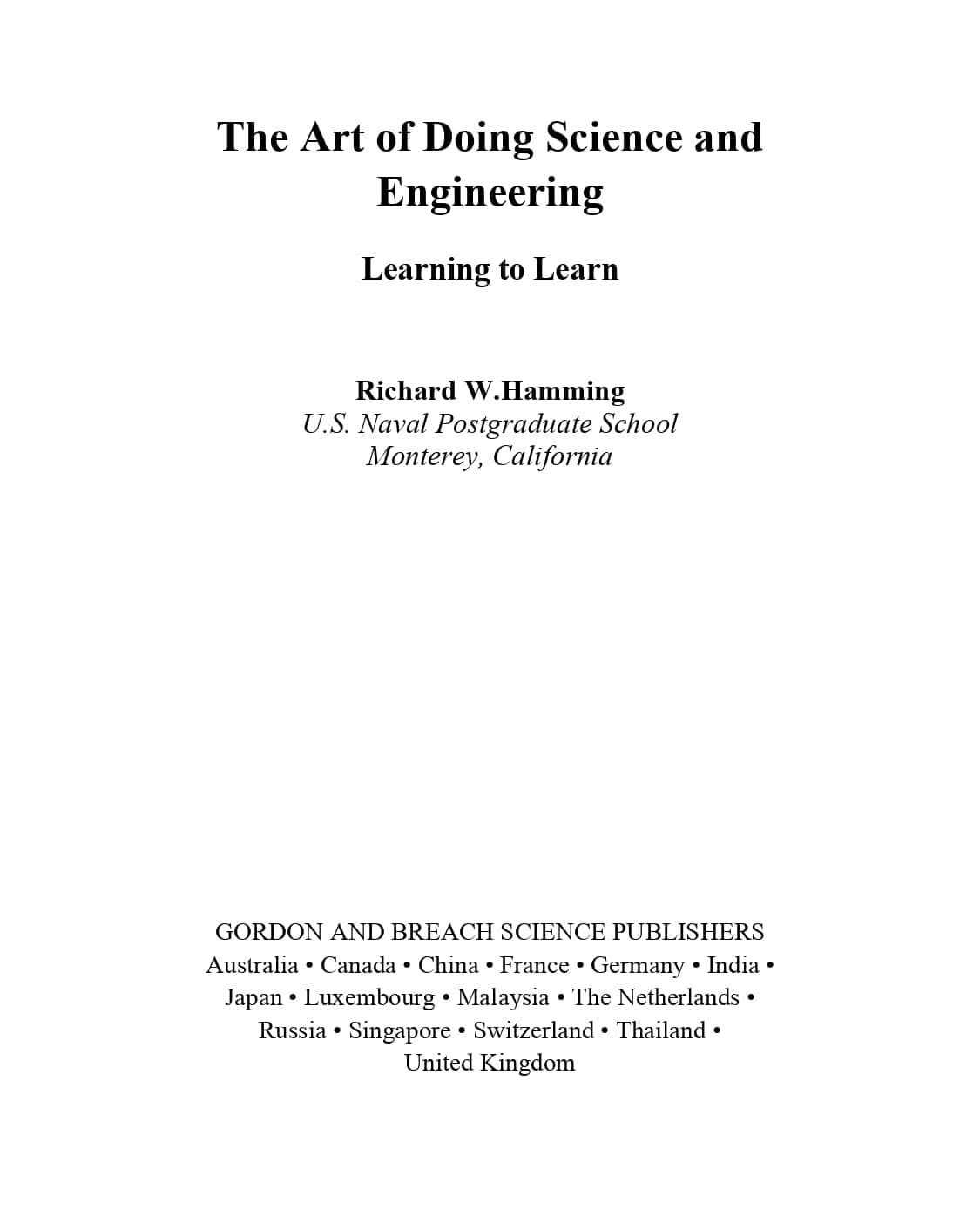
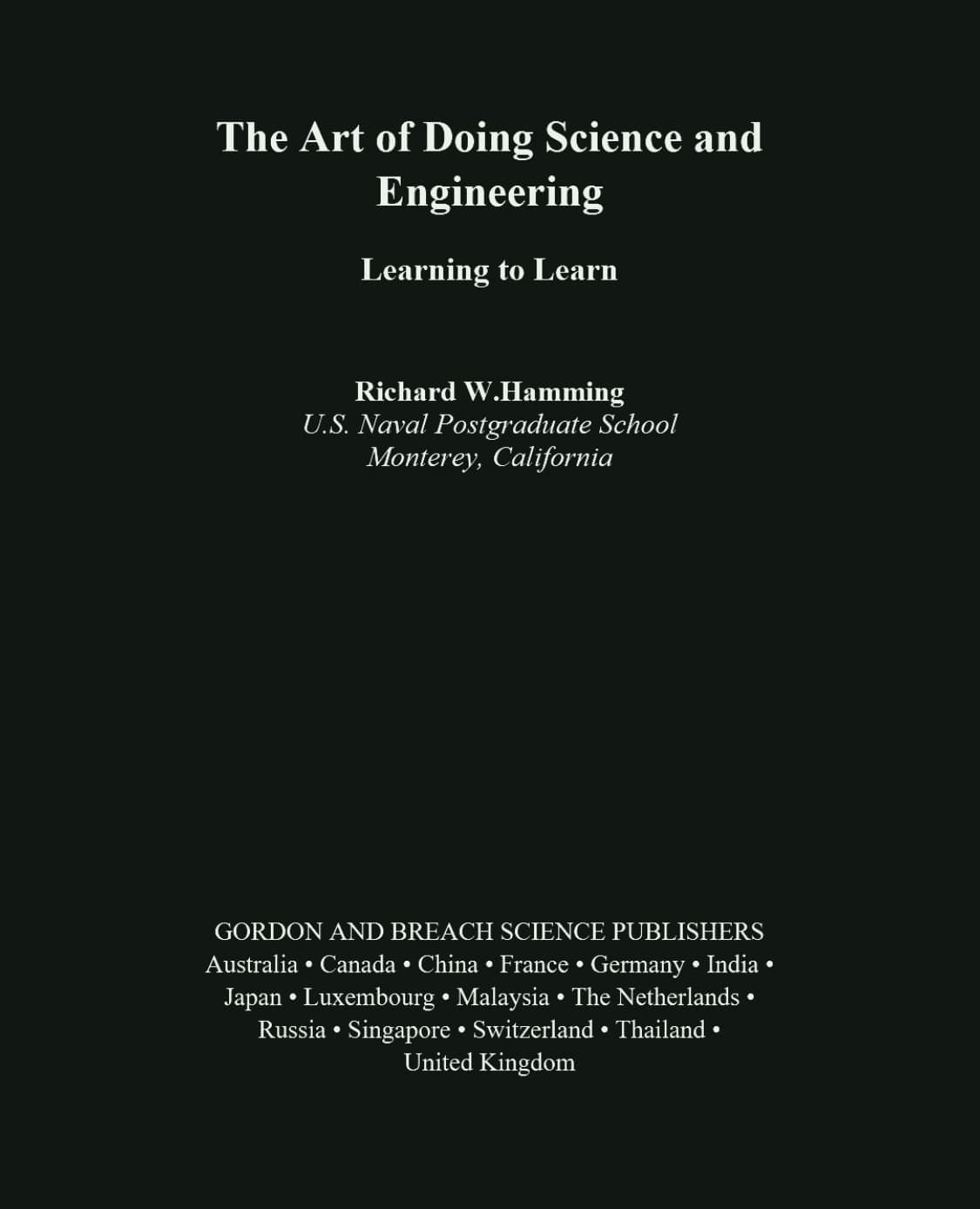
Quick Answer: Pick the Mode That Matches the PDF
For fast reading, open the file in a PDF dark mode reader and use page color mode. It keeps the original layout and is the safest first choice for scanned pages, charts, tables, and mixed-layout documents.
For long text-heavy documents, try Text reading mode. When the PDF has selectable text, the reader can extract PDF text and let you adjust PDF font size, line height, and font family.
For a file you want to save, share, or open later in another app, use the converter to download a dark mode PDF.
Option 1: Read the PDF in Dark Mode Without Changing It
If you only need a better reading view, do not start by making a new file. Page color mode renders the PDF page and remaps the bright background into a darker theme. The original PDF is not changed.
This is useful because many PDFs are not clean text documents. They may be scans, forms, slides, image-heavy manuals, or pages with tables. A PDF dark mode converter can create a new file, but a reader is usually faster when you just want to get through the document.
Option 2: Extract Text and Make the PDF Easier to Read
Text reading mode is the part many PDF tools skip. If the PDF contains selectable text, the reader can pull that text into a cleaner reading view. From there, you can make the text larger, increase line spacing, or switch the font.
This matters on phones and small laptops. A fixed PDF page may look dark, but the text can still be too small. With extracted text, you are not just changing colors; you are making the document behave more like a readable article.
There is one limit worth knowing. Text reading mode is not the right tool for scanned pages or pages where the layout is the content. For those, page color mode keeps the page structure intact.
Option 3: Convert and Download a Dark Mode PDF
Use conversion when you want the dark version to travel with the file. The invert PDF colors online tool previews the first pages, applies your selected dark theme, and creates a downloadable PDF in your browser.
This is the right choice when you want to send the file to another device, keep it in a study folder, or open it in a different PDF app. It is also useful when you do not want to repeat the dark mode setup each time you read.
One tradeoff: converted PDFs may not keep selectable text, links, forms, or annotations because pages can be rendered into a dark page image. Review the output before using it for anything important.
Reader vs Converter: A Simple Rule
| What you need | Best mode |
|---|---|
| Read now without saving a new file | Page color mode |
| Make text bigger or adjust line spacing | Text reading mode |
| Handle scans, images, or fixed layouts | Page color mode |
| Save a dark copy for later | PDF dark mode converter |
Choosing a Dark Theme
A dark PDF does not have to be pure black. Pure black can feel harsh with white text, especially on high-contrast screens. Softer themes are often easier for long reading.
Green is calm for text-heavy pages, Warm is comfortable at night, Blue feels cooler for technical documents, and Charcoal gives the simplest night-reader look.
Privacy Matters When You Convert PDF to Dark Mode
A PDF can contain contracts, invoices, class notes, medical records, or private drafts. That is why local processing matters. The reader and converter are built to work in your browser, so your file does not need to be uploaded to a server for reading or conversion.
FAQ
Can I convert PDF to dark mode online for free?
Yes. You can read a PDF in dark mode for free, and you can also create a downloadable dark mode PDF locally in your browser.
Can I make PDF text bigger while reading?
Yes, when the PDF has selectable text. Text reading mode can extract the text and let you adjust font size, line height, and font family.
Does Text reading mode work with scanned PDFs?
Usually no. Scanned PDFs are images of pages, so the reader should use page color mode instead. That keeps the page layout and still gives you a darker view.
What is the difference between a reader and a PDF dark mode converter?
A reader changes how the PDF looks while you read it in the browser. A converter creates a new dark PDF file that you can download and keep.
Is my PDF uploaded?
No. Files are processed locally in your browser for both reading and conversion.