Dark mode guide
How to Read PDFs in Dark Mode
Published May 29, 2026
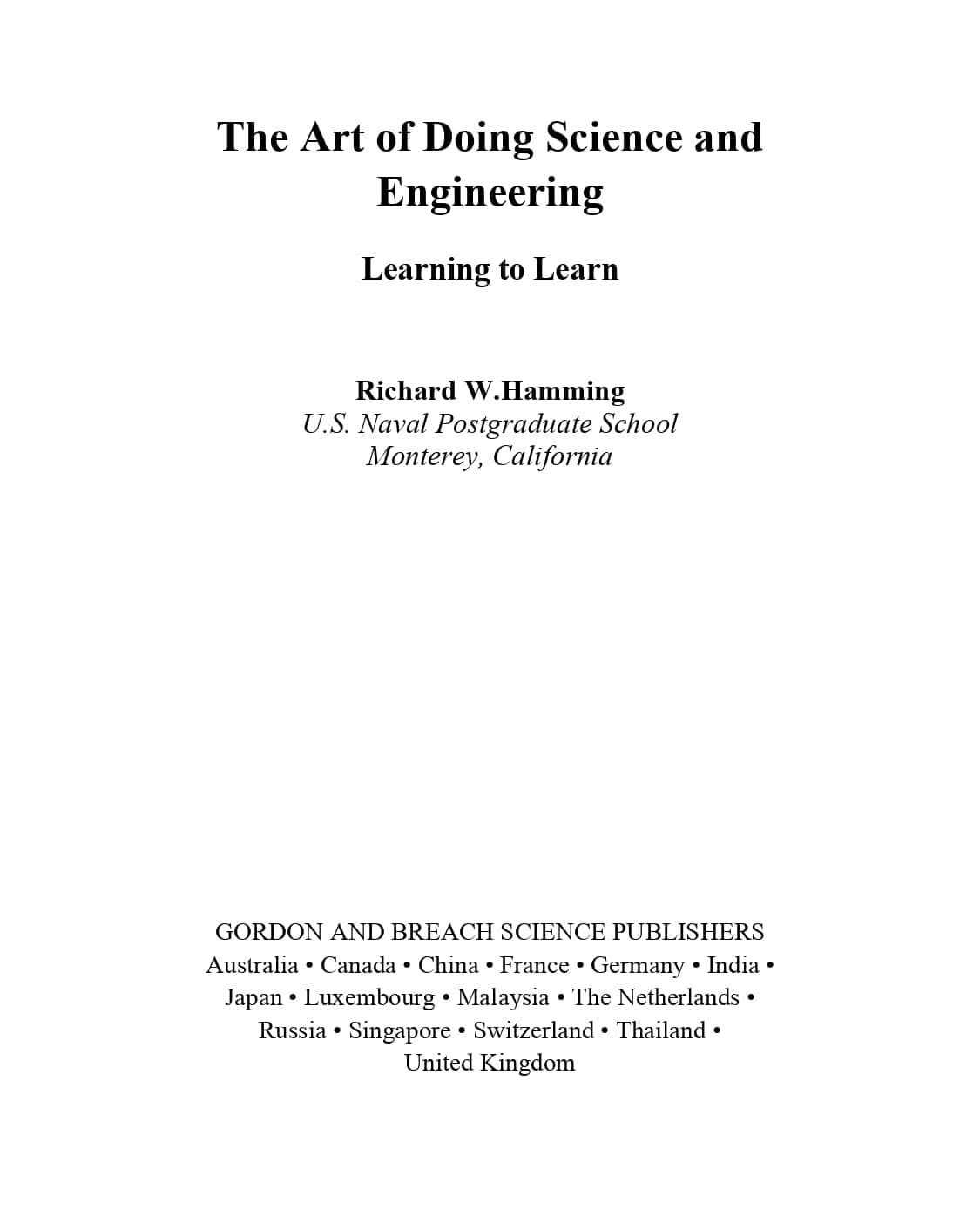
Reading a PDF in dark mode sounds like it should be easy. Your phone has dark mode. Your browser has dark mode. Your laptop probably has dark mode too. Then you open a PDF, and the page is still bright white.
That is the annoying part. PDFs were not designed like web pages. They were designed to preserve a page. That is useful for printing and layout, but it makes dark mode less straightforward than people expect.
Why Read PDFs in Dark Mode?
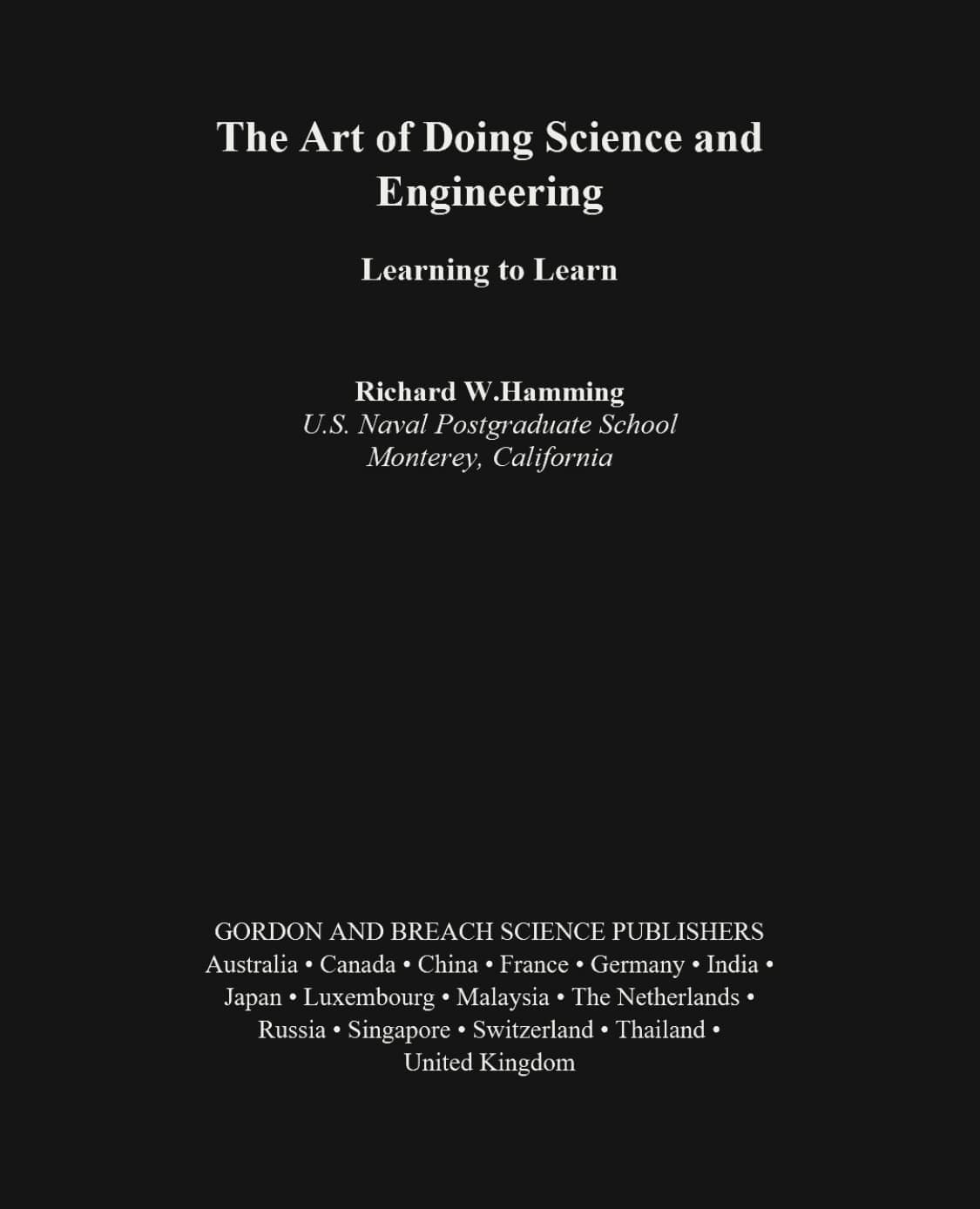
The simple reason is glare. A white PDF page can feel too bright at night, on a phone in a dark room, or during a long reading session on a laptop. Dark mode gives the page a softer reading surface.
It is not only about nighttime. Long reports, manuals, books, papers, and saved web articles can all be easier to sit with when the page is not pure white. The goal is not to make the PDF look fancy. The goal is to keep reading without fighting the screen.
Why PDF Dark Mode Is Awkward
A normal website can change its background and text colors because the browser understands the page structure. A PDF is more rigid. It may contain fixed text, scanned page images, charts, tables, forms, highlights, and photos.
That is why simple color inversion can be messy. Text may look better while images look worse. A table can be readable but a chart can become strange. A scanned PDF may not have real text to resize at all.
So the best answer is not always one dark mode button. Sometimes you want the original layout with better colors. Sometimes you want extracted text that can be enlarged. Sometimes you want a new dark PDF file.
The Fastest Way to Read PDFs in Dark Mode
Start with a PDF dark mode reader. Choose a PDF, open it in page color mode, and read with a darker theme. This keeps the original PDF layout, so it works well for scanned pages, tables, slides, and mixed-layout documents.
The file is processed locally in your browser. You do not need to create an account, install an extension, or send the PDF to a server just to make it readable.
Use Text Reading Mode When the Words Are Too Small
Darker colors do not solve every PDF problem. On phones and small laptop screens, the text may still be too small. If the PDF has selectable text, Text reading mode can extract PDF text and show it in a cleaner reading view.
From there, you can adjust font size, line height, and font family. For long text documents, that can be more comfortable than zooming a fixed page and dragging it left and right.
Text reading mode is not meant for scanned PDFs or pages where the layout matters. For those files, page color mode is the safer choice.
When to Download a Dark Mode PDF
If you only need to read, a reader is enough. If you want a dark file you can save, send, or open later in another app, use invert PDF colors to create a downloadable dark mode PDF.
This is useful for offline reading or moving the document to another device. The tradeoff is that converted PDFs may not preserve selectable text, links, forms, or annotations if the pages are rendered into dark images. Always check the result before relying on it.
Which Dark Theme Should You Choose?
A comfortable dark theme is usually not pure black. Pure black can feel too contrasty, especially with white text. Softer themes tend to be easier for longer reading.
- Warm is a good first choice for late reading.
- Green works well for text-heavy PDFs and longer sessions.
- Charcoal gives the most classic night mode look.
FAQ
How do I read PDFs in dark mode for free?
Use a browser-based reader, choose your PDF, and open it in page color mode. The PDF can be read in dark mode without changing the original file.
Why does my PDF stay white in dark mode?
System dark mode often changes the app interface, not the PDF page itself. A PDF page can keep its own white background unless the reader remaps the page colors.
Can I make PDF text bigger in dark mode?
Yes, if the PDF has selectable text. Text reading mode can extract the text and let you adjust the font size and line height.
Does dark mode work with scanned PDFs?
Scanned PDFs usually work best in page color mode. You can darken the rendered page, but you usually cannot resize the scanned text like normal text.
Can I download a dark mode PDF?
Yes. Use the converter when you want a new dark PDF file that can be saved or opened later.
Are my PDF files uploaded?
No. Reading and conversion are designed to run locally in your browser.