Android reading
How to Use PDF Dark Mode on Android: Read or Download Dark PDFs
Published June 3, 2026
Android dark mode can make the phone feel calmer at night, until you open a PDF. The browser is dark, the menus are dark, and then the document page is still bright white.
That is usually the real problem. You do not just want Android to look dark. You want the PDF page itself to be readable, and sometimes you want a dark copy you can save for later.
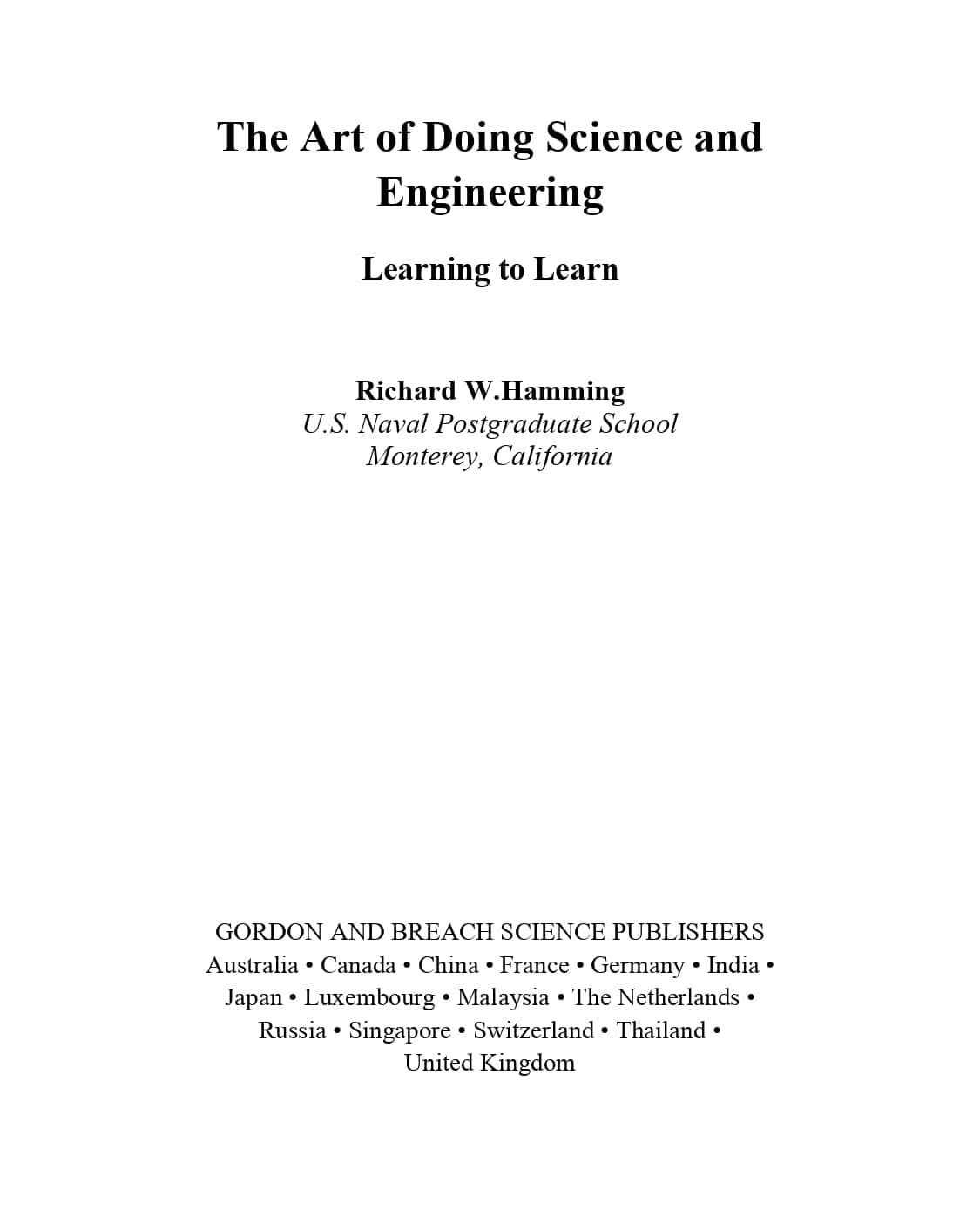
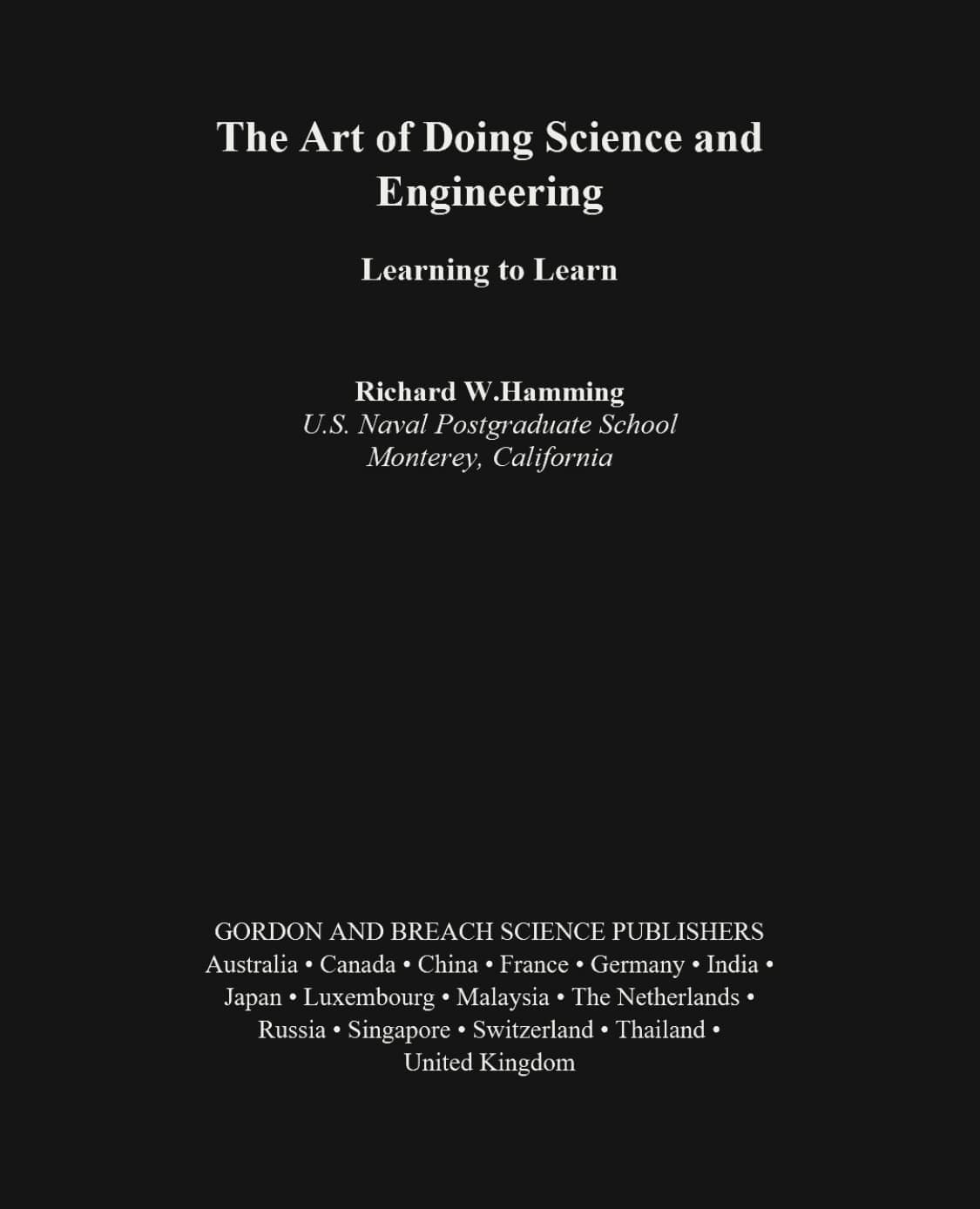
Why PDFs Are Hard to Read on Android at Night
Phone screens are small, and most PDFs are designed like paper. A long white page can feel harsh in a dark room, especially when the text is small and the page does not reflow.
This is why PDF dark mode on Android is not just a style preference. It can make reports, ebooks, manuals, class notes, and saved documents easier to sit with for more than a few minutes.
Why Android Dark Theme Does Not Always Fix PDFs
Android Dark Theme changes the system interface and apps that support it. A PDF is different. The page background, text, images, tables, and margins can be part of the fixed document itself.
Color inversion can help in some cases, but it can also make images, screenshots, or charts look odd. Scanned PDFs have another limitation: they are often images of pages, so you cannot treat the words like normal resizable text.
Method 1: Read PDFs in Dark Mode in Your Android Browser
The easiest first step is to open a PDF dark mode reader in your Android browser, choose your PDF, and read it in page color mode. The page is remapped into a darker theme while the original PDF layout stays intact.
This works well for scanned pages, image-heavy PDFs, tables, and documents where the layout matters. The file is processed locally in the browser, so you do not need to upload it just to read PDF in dark mode on Android.
Method 2: Use Text Reading Mode When the Text Is Too Small
Sometimes dark colors are not enough. On Android, the bigger problem may be tiny text. If the PDF has selectable text, Text reading mode can extract the words and show them in a cleaner reading view.
From there, you can adjust font size, line height, and font family. For long text-heavy PDFs, this is often better than pinching and dragging a fixed page around the screen.
Text reading mode is not meant for scanned PDFs. If the file is an image-only scan, use page color mode instead so the whole page can still become darker.
Method 3: Invert PDF Colors and Download a Dark PDF
If you want the dark version to stay with the file, use the converter. The invert PDF colors on Android workflow lets you preview the first pages, turn a light PDF into a dark mode PDF, and download the result locally.
This is useful when you want to save the document, move it to another device, or open it in another PDF app. It is also useful when you do not want to set up a reader view every time.
The tradeoff is that converted PDFs may not keep selectable text, forms, links, or annotations, because pages can be rendered into dark page images. If those details matter, review the converted file before you rely on it.
Reader vs Converter on Android
| Android task | Best choice |
|---|---|
| Read once in the browser | Page color mode |
| Make small text easier to read | Text reading mode |
| Handle scanned or image-heavy PDFs | Page color mode |
| Save a dark PDF for later | Converter |
Which Dark Theme Works Best on Android?
Warm is a good first choice for night reading. Green is comfortable for long text. Charcoal feels closest to a traditional night mode. Blue gives a cooler look if you prefer that style.
The best theme is the one you stop noticing. If the page still feels too contrasty, try a softer theme before lowering the screen brightness too far.
Need to Convert a Dark PDF Back to Light?
This guide focuses on turning a light PDF into a dark PDF on Android. If you already have a dark PDF and want to make it light again for printing or daytime reading, use PDF Light Mode.
FAQ
Can I use PDF dark mode on Android for free?
Yes. You can open a PDF in your Android browser and read it with a dark page view for free.
Why does Android dark mode not change my PDF?
Android dark mode often changes the app interface, not the PDF page itself. The page can stay white unless the reader remaps the PDF colors.
Can I make PDF text bigger on Android?
Yes, if the PDF has selectable text. Text reading mode can extract the text and let you adjust font size and line height.
Can I invert PDF colors on Android?
Yes. Use the converter to preview a dark theme and download a dark mode PDF in your browser.
Is my PDF uploaded?
No. Reading and conversion are designed to run locally in your browser.