PDF reading
PDF Dark Reader: Read PDFs in Dark Mode Without Uploading
Published May 22, 2026
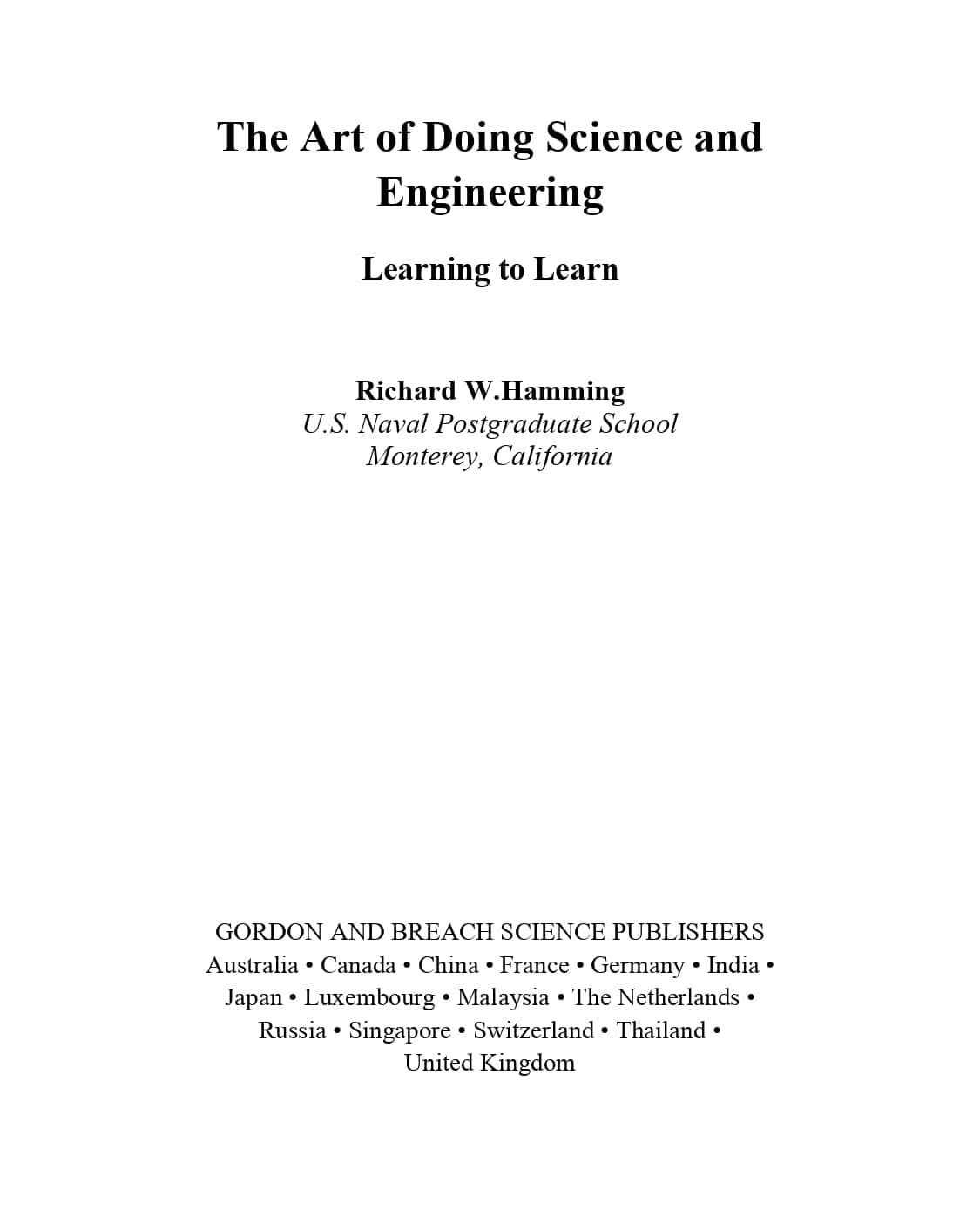
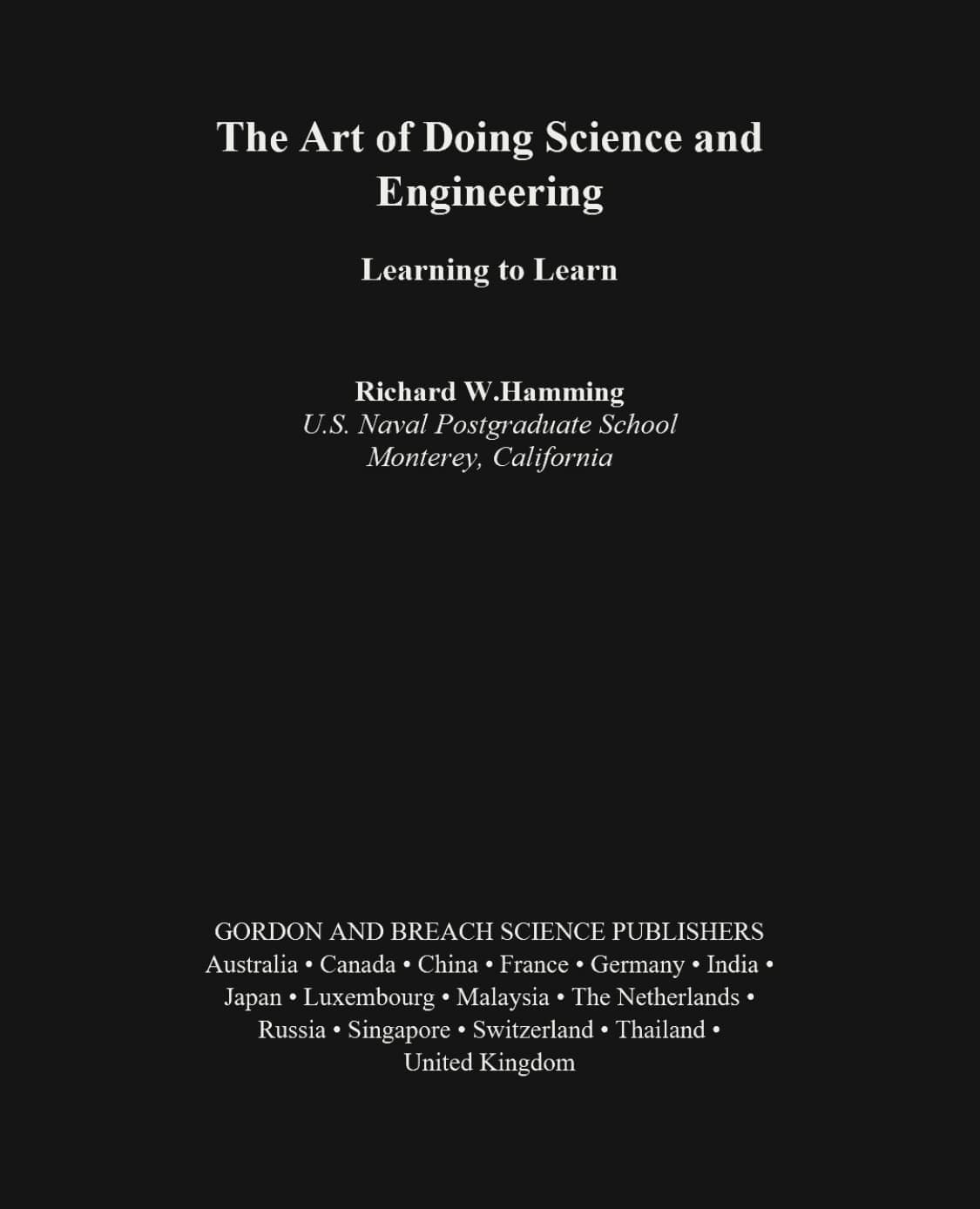
PDF dark reader is not the neatest phrase, but it describes a real problem. You have a PDF that is too bright, and you want to read it without turning the whole screen into a white lamp.
The usual dark mode switch does not always fix that. It may darken your browser toolbar while the PDF page stays white. A proper dark PDF reader works on the document view itself, so the page can become easier to read without changing the original file.
What People Mean by PDF Dark Reader
Most people who search for a PDF dark reader are not looking for a brand name. They want a dark mode PDF reader that opens a file, reduces the bright page background, and keeps the document readable.
That can mean a few things: a quick dark view for one reading session, a text-focused reading mode with bigger type, or a converted PDF that stays dark when you open it later.
Read a PDF in Dark Mode First
The fastest option is to use a PDF dark mode reader. Choose a PDF, open it in page color mode, and read with a darker theme. The original file is not edited, and the PDF stays in your browser.
This is usually the right first step because PDFs vary a lot. Some are clean text documents. Some are scanned books. Some are slides, forms, tables, or manuals full of images. A reader view lets you make the page darker before deciding whether you need a downloaded copy.
Why Browser Dark Mode Often Misses the PDF Page
Browser dark mode is built for web pages and interface elements. PDF pages are fixed documents. The text, background, images, margins, and layout can be drawn inside the PDF itself, so the browser may leave the page untouched.
A page-aware reader handles the rendered page instead of only changing the browser shell. That is why page color mode can help with scans and mixed-layout PDFs where normal dark mode does almost nothing.
Use Text Reading Mode When You Need Bigger Text
Darker colors are not always enough. On a phone or a small laptop, the PDF may be dark but still hard to read because the text is tiny. If the file has selectable text, Text reading mode can extract PDF text and put it into a cleaner reading view.
From there, you can adjust font size, line height, and font family. That is useful for long reports, ebooks, documentation, and papers where the words matter more than the exact page layout.
Text reading mode is not a magic OCR tool. If the PDF is a scan, or if the layout itself is important, page color mode is the better choice.
When a Downloaded Dark PDF Makes More Sense
A reader is best for live reading. A converter is better when you want a file you can keep, send to another device, or open in a different PDF app. In that case, use invert PDF colors to create a downloadable dark mode PDF.
The tradeoff is simple: downloaded dark PDFs are more portable, but they may not preserve selectable text, links, forms, or annotations if the pages are rendered into images. For normal reading, that is often fine. For legal, academic, or work documents, review the output first.
Choosing a Dark Theme
Pure black is not always the most comfortable option. A softer theme can make a long PDF feel less harsh, especially at night.
- Warm works well when you want a softer screen before sleep.
- Green is calm for text-heavy PDFs and long sessions.
- Charcoal is the closest to a plain night reader style.
FAQ
Is the reader free?
Yes. You can open and read PDFs in dark mode for free in the browser.
Can I use it without uploading files?
Yes. The reader is built around local processing, so your PDF is opened in your browser instead of being uploaded to a server.
Can I make the PDF text bigger?
Yes, when the PDF has selectable text. Text reading mode can extract the text and let you adjust the font size and line height.
Does it work with scanned PDFs?
Scanned PDFs usually need page color mode, not Text reading mode. Page color mode can still make the rendered page darker.
What is the difference between a reader and a converter?
A reader changes the view while you read. A converter creates a new dark PDF file that you can download and keep.