Night reading
PDF Night Mode: Read PDFs at Night with a Dark Mode Reader
Published May 20, 2026
A PDF at night has a different kind of glare. Your browser can be dark, your operating system can be dark, and then one white document fills the screen like a desk lamp pointed straight at you.
That is where PDF night mode helps. The goal is simple: keep the document readable, reduce the bright white page, and avoid sending your file anywhere just to make it easier on your eyes. For most people, the quickest route is the browser-based PDF Dark Mode reader. If you need a saved file, use the converter instead.
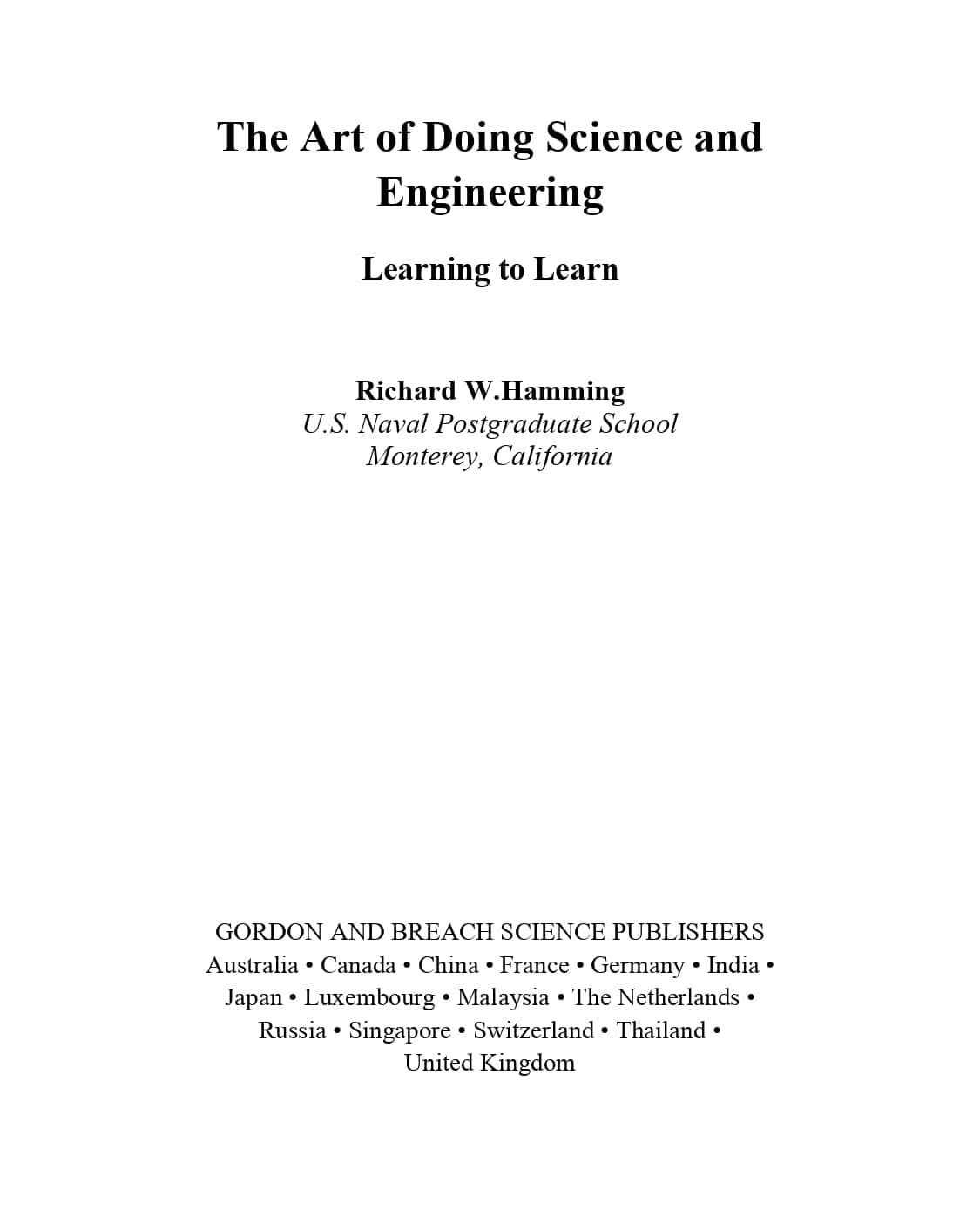
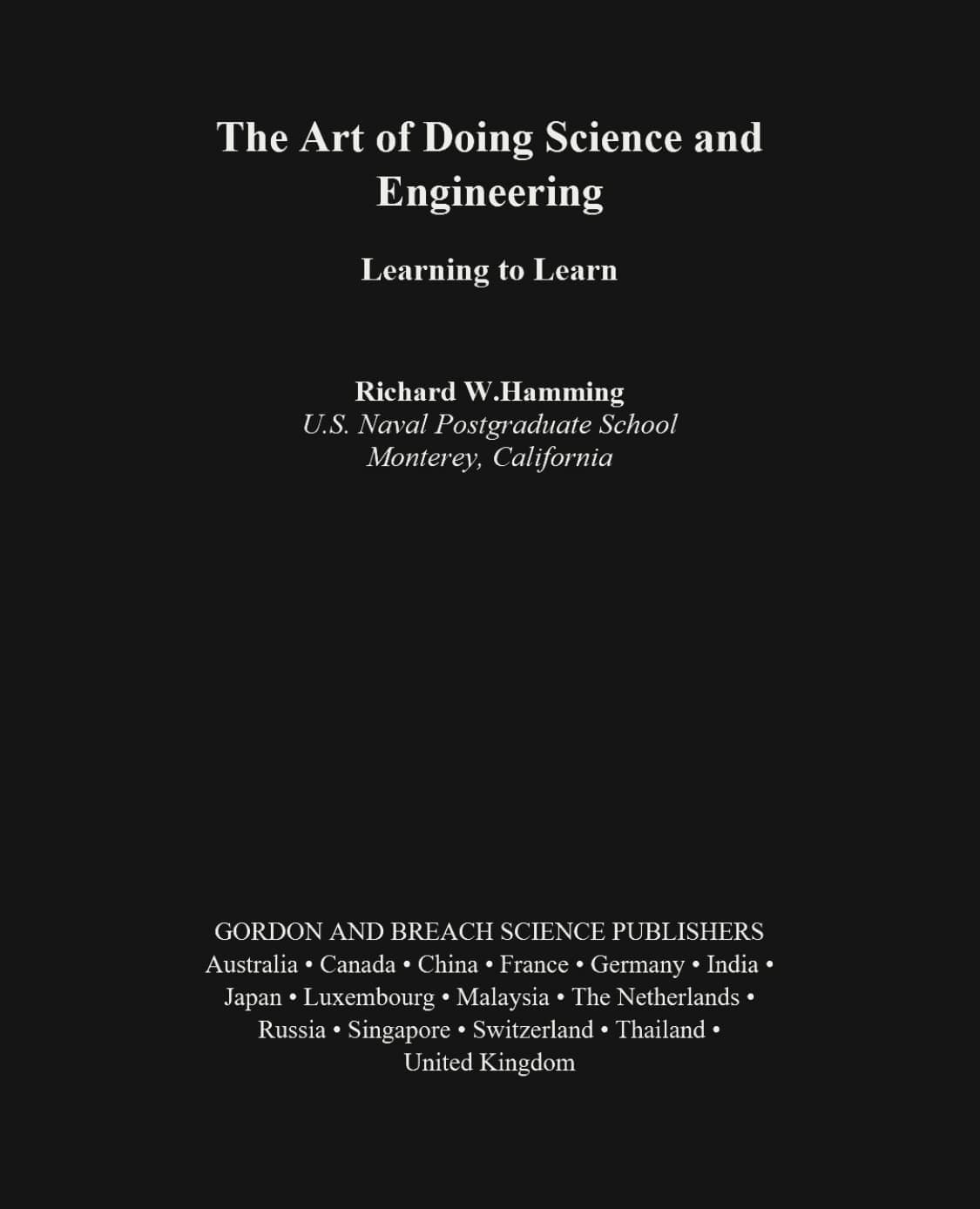
The Short Version
If you only want to read tonight, open the PDF in a dark mode reader. Choose a softer theme, keep the original layout, and read in the browser. The file is processed locally, so it stays on your device.
If you want a dark copy that opens the same way tomorrow in another app, use the PDF color inverter. That creates a downloadable version with the darker page colors already applied.
Why PDFs Stay Bright When Everything Else Is Dark
Most dark mode settings are built for app interfaces and web pages. A PDF is different. It is a fixed document with its own page background, text color, images, scans, tables, and layout. Your system can darken menus and browser chrome, but it may not reach inside the PDF page itself.
A dedicated PDF Dark Mode tool handles the page directly. It can render the PDF page and remap the colors, which is why it works better for scanned PDFs, image-heavy files, and documents where ordinary browser dark mode does nothing.
Use a Dark Mode Reader for Night Reading
The reader is the best fit when you want a comfortable view without changing the original file. Open the tool, choose your PDF, and page color mode gives you a night-friendly view while keeping the document layout intact.
- Use page color mode for scanned pages, mixed layouts, charts, and PDFs with images.
- Switch to Text reading mode when the PDF has selectable text and you want font size or line-height controls.
- Refresh the page when you are done. The current PDF session is cleared from the browser tab.
Start with the free PDF Dark Mode reader when you want the least friction. No extension, no account, no server upload.
When to Download a Dark Mode PDF Instead
Reading in the browser is not always enough. If you want a file for your phone, tablet, e-reader workflow, class notes, or a folder you keep offline, it makes more sense to invert PDF colors online and download the result.
The converter previews the first pages, applies your chosen dark theme, and generates a new PDF in your browser. Use it when you want the dark version to travel with the file. Use the reader when you only need a better view for the current session.
Choosing a Theme for Night Reading
There is no single perfect dark theme. The right choice depends on your screen, the room lighting, and the kind of PDF you are reading.
- Warm is a good first choice for long sessions because it softens the page without feeling too cold.
- Green feels calm for text-heavy reading and works well when you want less contrast.
- Blue gives a cooler screen look that some people prefer for technical PDFs.
- Charcoal is the closest to a classic night reader: dark, plain, and not too colorful.
Small Settings That Make Night Reading Easier
A darker PDF view does the heavy lifting, but a few small changes can make the page feel steadier. Lower the screen brightness after the page is dark, not before. Turn on your device's warm display setting if you like it. If the document has selectable text, increase the font size rather than leaning closer to the screen.
For long reports or books, use page navigation instead of endless scrolling when you can. It gives your eyes a cleaner stopping point and makes it easier to pick up where you left off.
FAQ
What is PDF night mode?
PDF night mode is a darker reading view for PDF files. Instead of staring at a bright white page, you read with a dark or tinted background while keeping the document usable.
Is a PDF dark mode reader different from browser dark mode?
Yes. Browser dark mode usually changes websites and interface elements. A PDF dark mode reader works on the PDF page itself, which is why it can help when the file stays white in a normal viewer.
Are my PDF files uploaded?
No. The reader and converter are built around local processing. Your file is opened and processed in your browser, not uploaded to a server.
What is the difference between night mode and a converted PDF?
PDF night mode is for reading in the browser. Invert PDF Colors is for creating a new dark PDF you can download, keep, or open in another PDF app.
Can I use this on mobile?
Yes. The reader works in mobile browsers. The smaller screen makes a darker reading view especially useful for long PDFs, because bright pages feel harsher when the room is dark.